Practical guides · updated 2026-09
Furry AI Generator Guides
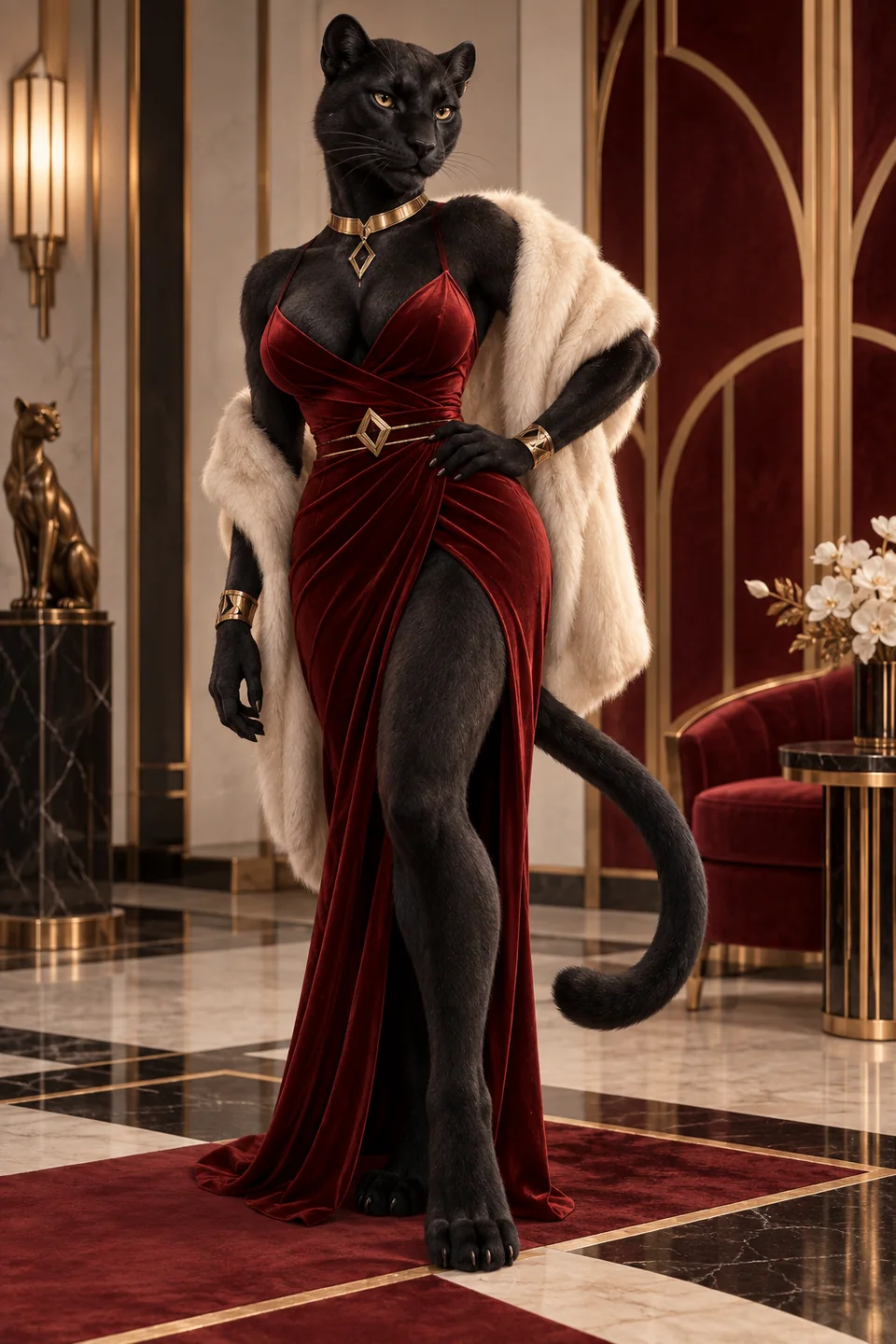
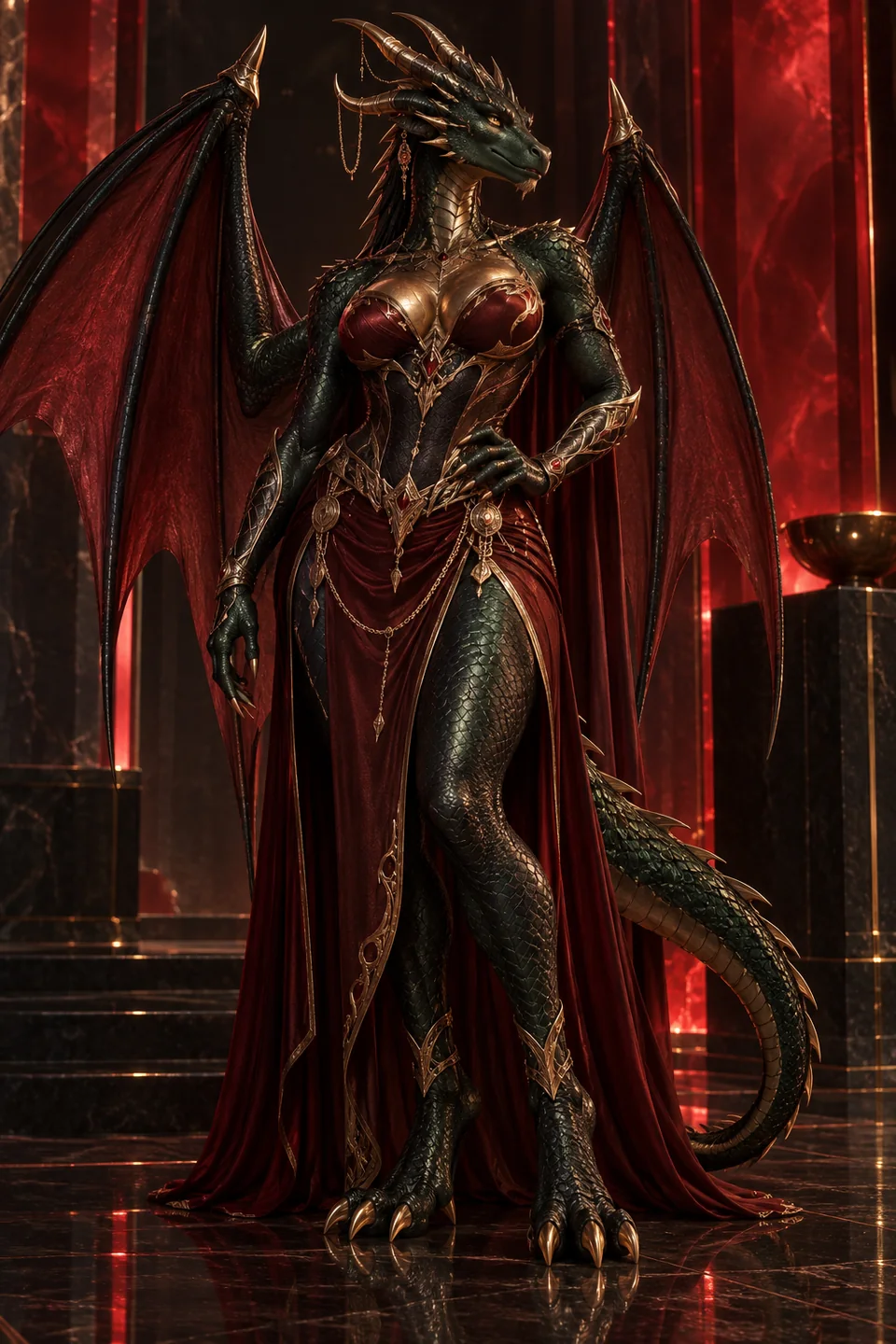

These guides turn an adult anthro idea into a repeatable workflow. Start with the step-by-step creation guide when you need to choose a service, lock a fictional adult identity, and repair anatomy. Use the prompt guide when the tool is already chosen and you need stronger species, camera, lighting, and negative-prompt structure.
Every character here is an AI-generated adult. No real people are depicted.
Both routes favor original characters, reject age-ambiguous output, and keep real people out of the workflow.
Choose your furry AI guide
8-step workflow
How to make AI furry porn safely
Build a neutral adult reference, verify anthro anatomy, add explicit detail in a second pass, repair locally, and animate only after identity is stable. This is the right starting point for a first project.
Prompt workshop
Furry AI generator prompt ideas
Use subject-first formulas for adult wolves, foxes, felines, dragons, and hybrids. Learn which details belong in the identity block, scene block, and negative prompt.
Choose a species direction
Adult furry character gallery
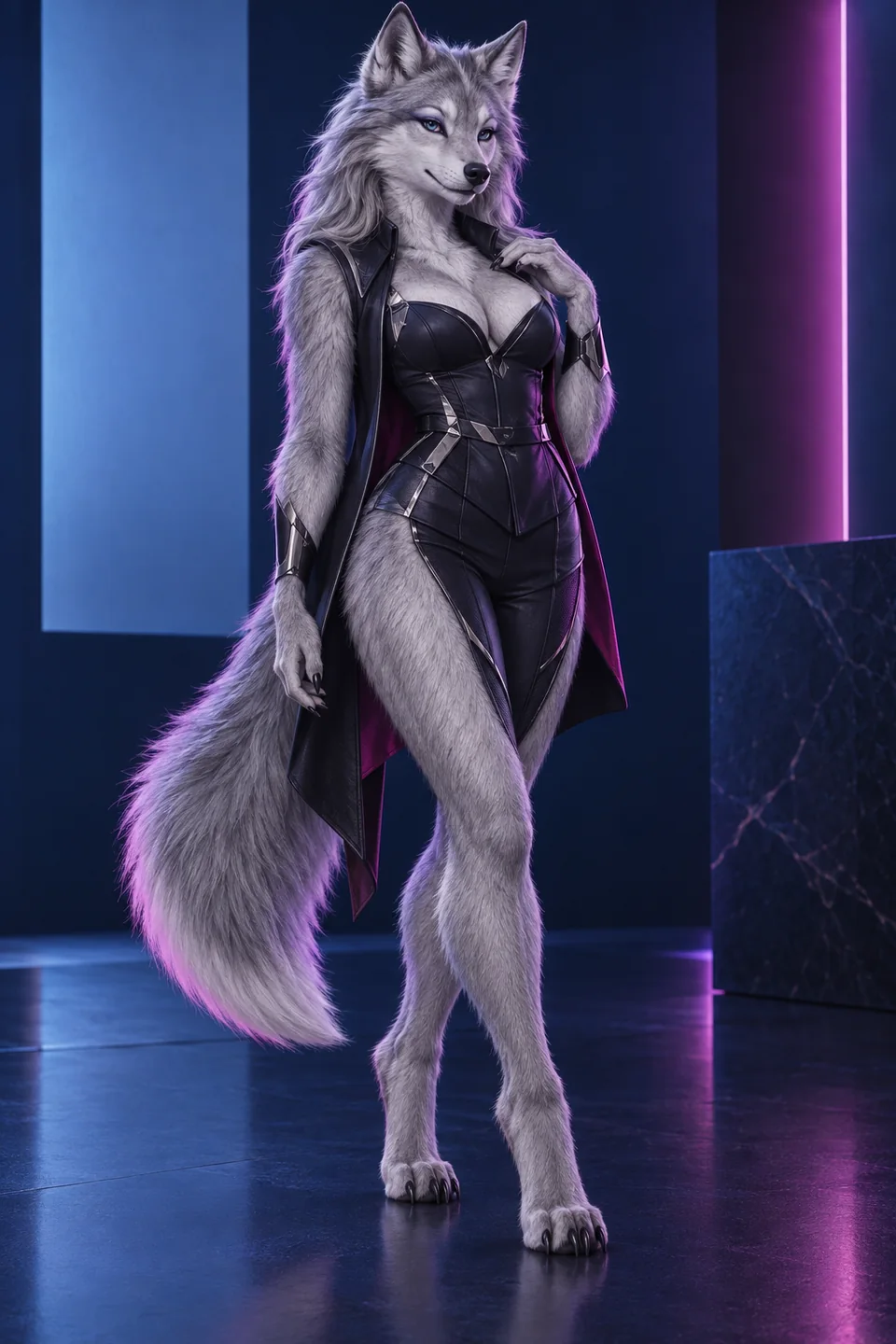
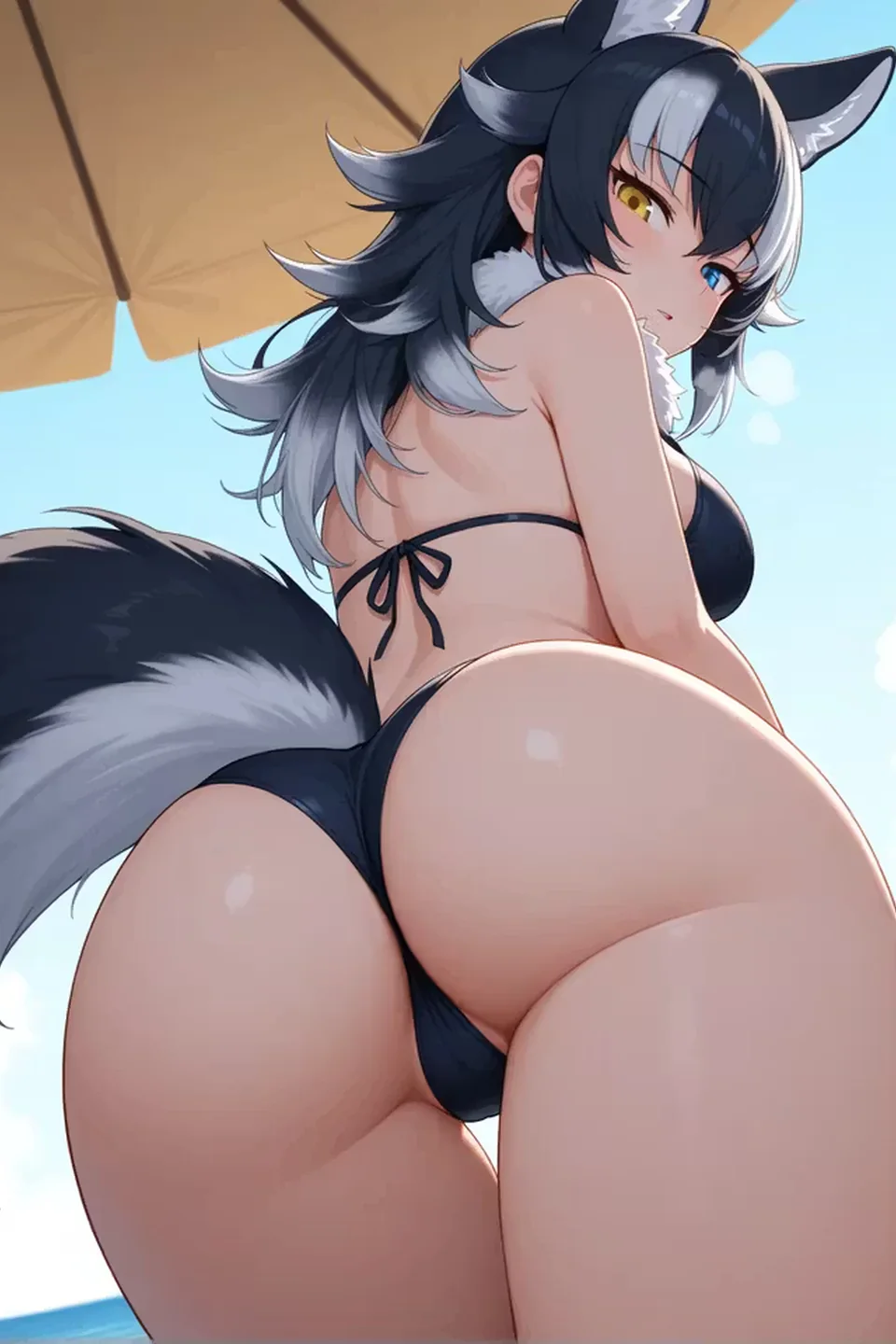
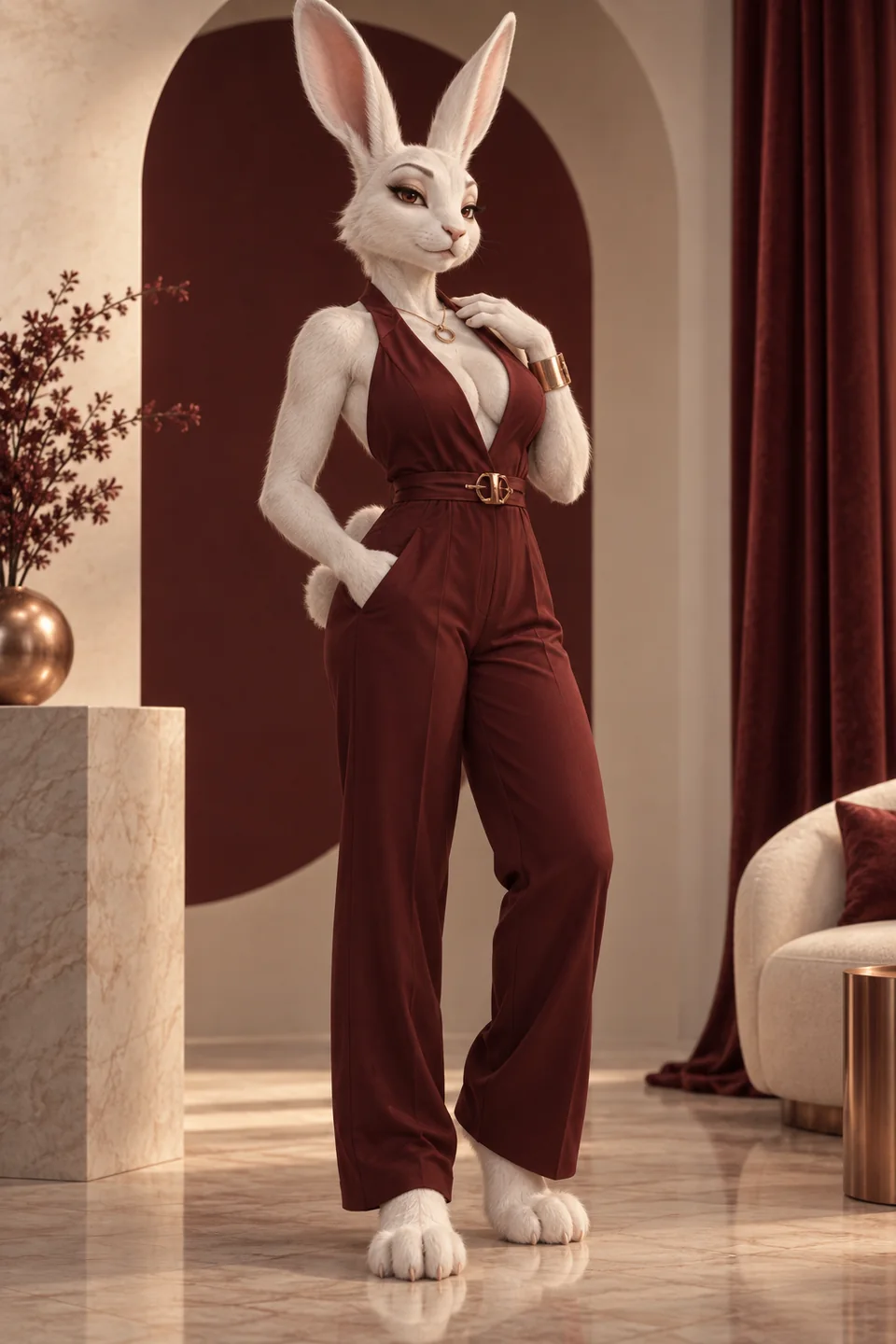
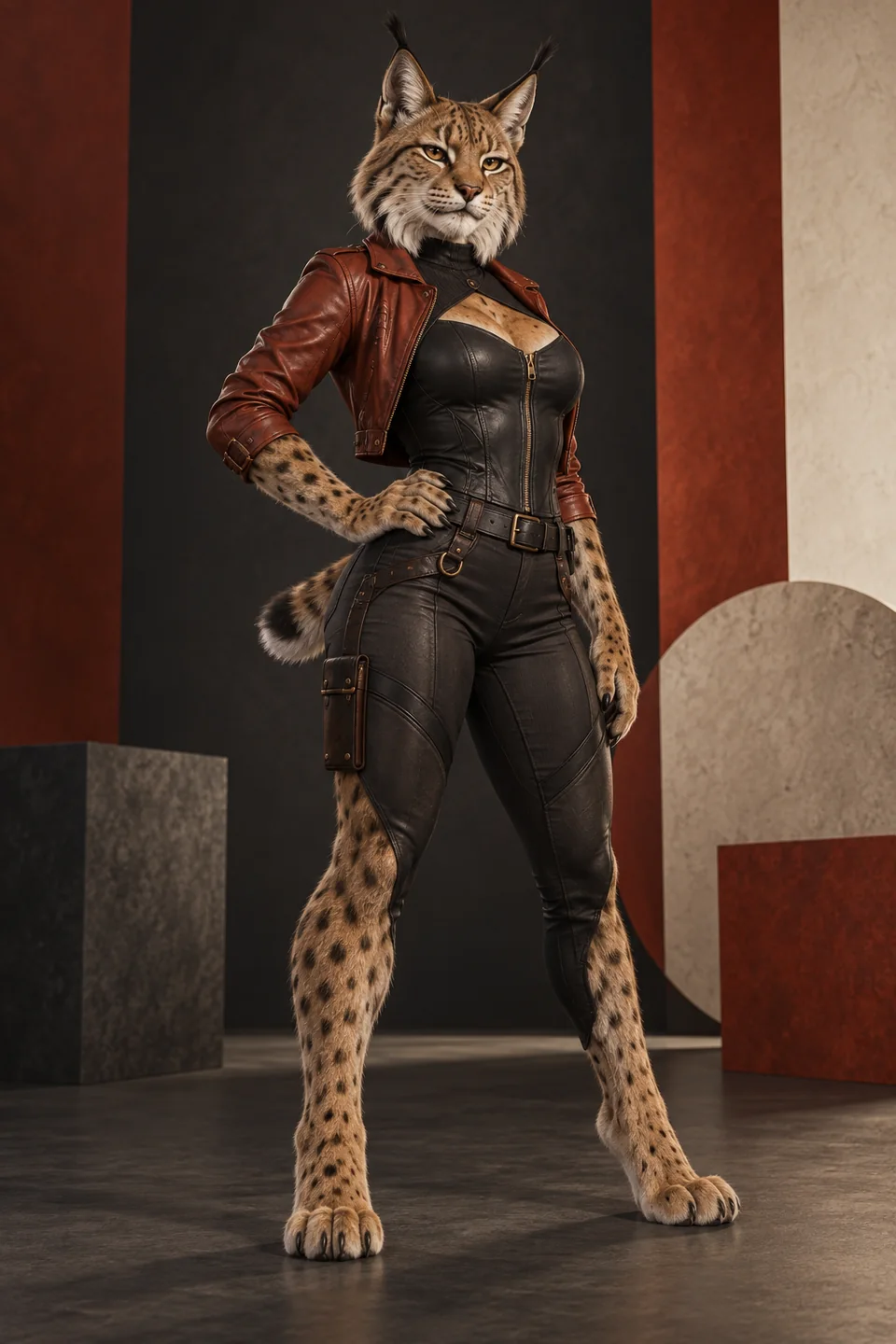
Full-anthro references—not humans with decorative ears. Compare the muzzle, paws, fur, tail, silhouette, and species markings before you generate or chat.
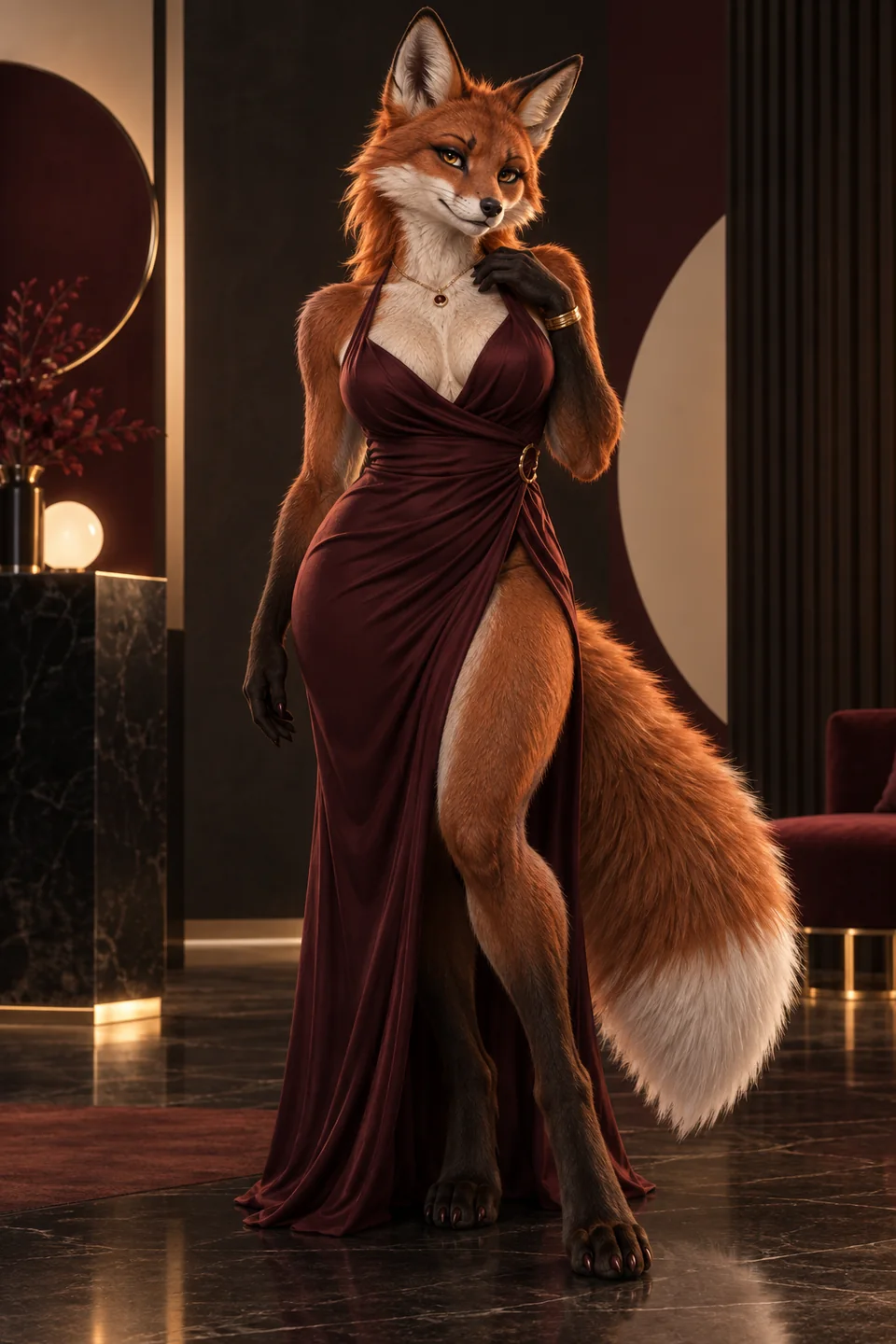
Before you create furry AI
A good workflow begins with decisions the model should not make for you: fictional adult identity, body plan, species, markings, body proportions, and privacy boundary. Write those choices once. A generation tool should interpret your direction, not improvise a real person’s likeness or an ambiguous age.
Pick the service after defining the output. Companion platforms are useful when chat, personality, voice, or recurring media matter. Technical image tools are better when seeds, models, inpainting, or local control matter. Our review comparison covers the companion route; the guides remain useful whichever permitted tool you choose.
How the guides handle adult content
The process is explicit about safety without becoming an entry barrier. All characters must be fictional adults. Never use a private photo, celebrity, ex-partner, or other identifiable person without informed consent. Reject any output that looks underage, even if the prompt says adult. Do not use cub, pup-as-age, school, or childlike framing in sexual scenes.
Start non-explicit. A neutral reference gives you a clean test of muzzle, paws, tail, markings, and body plan. When that identity is stable, move into an allowed adult scene. This order improves quality and makes age or anatomy errors easier to spot.
Core furry AI techniques
Identity before scene
The identity block names adult age, species, body plan, build, fur, markings, eyes, mane or hair, muzzle, paws, tail, and recurring accessories. It stays unchanged. The scene block holds pose, action, environment, lighting, camera, and mood. Keeping the two separate makes iteration legible.
One variable per pass
Change pose without changing style, or change light without changing anatomy. Small experiments reveal cause and effect. Large prompt rewrites can produce a striking image while losing the character you intended to preserve.
Repair before upscale
Use inpainting or a new local pass for fused paws, broken tails, eyes, or clothing seams. Upscaling sharpens what already exists; it does not repair structure. Approve anatomy at working size, then enlarge the final candidate.
Furry AI guide FAQ
Do I need a long prompt?
No. A structured prompt with a stable identity and one clear scene usually beats a long list of competing adjectives. Add detail only when it controls a visible decision.
Should I start with video?
No. Approve a still reference first. Video adds motion and camera change, which can alter the species and markings. Animate a strong image rather than inventing everything at once.
What should I save?
Save the identity block, negative prompt, seed or reference image, aspect ratio, service and model name, and the exact change that produced each keeper. That record turns luck into a repeatable workflow.
Can I use a real photo?
Use only your own image with informed consent for that exact purpose, or avoid real photos entirely. An original AI-generated adult reference is the safer default for adult work.
Plan an adult furry character
Write a one-page design card before opening a generator. It should contain the fictional adult’s age cue, species, body plan, build, coat or scales, markings, eyes, muzzle, paws or claws, tail, mane or hair, and one recurring accessory. Add a short personality paragraph and clear content boundaries. This card becomes the stable source for both chat and image prompts.
Choose an aesthetic lane separately: illustrated furry, anime kemonomimi, 3D character art, or photoreal fantasy. Each lane uses different vocabulary and exposes different errors. Mixing anime line art, photoreal skin, and cinematic creature render in one first prompt gives the model too many competing targets.
Decide what success means before spending. A one-off portrait needs a coherent face and silhouette. A recurring companion needs identity, memory, and privacy. A video series needs a master reference, stable aspect ratio, and small motions. The right tool is the one that supports that next state, not the one with the largest gallery.
Evaluate the first generation
Review the output from identity outward. First confirm the subject is unmistakably adult. Then check species, muzzle, ears, eyes, paws, legs, tail, markings, and limb count. Only after anatomy passes should you judge pose, lighting, background, and style. A beautiful scene with a wrong subject is not a keeper.
Zoom into boundaries where models fail: fingers or paw digits touching clothing, tail meeting the spine, ears meeting hair, muzzle meeting cheeks, and patterned fur crossing joints. If a local defect can be repaired without changing identity, save the image. If age, species, or body plan is wrong, return to the base prompt.
Record the successful model, prompt, seed or reference, aspect ratio, and negative prompt. A compact generation log prevents repeated spending and makes the next change deliberate. Do not rely on the service history as the only record; plans and retention can change.
Move from image to chat and video
For chat, translate visual facts into character facts without copying the whole image prompt. The companion needs a name, temperament, boundaries, motivations, and a few memories. Test recall with concrete details before a long roleplay. Correct drift in the profile rather than repeatedly arguing inside the scene.
For video, begin with the approved still. Request one visible motion and one camera behavior. A slow breath, blink, tail movement, or gentle push-in is a better first test than a full-body action with a spinning camera. Review the entire clip for changing face, ears, tail, and limb count.
Keep sensitive work private by default. Verify gallery visibility, file deletion, chat retention, billing name, and account closure before creating a large archive. The creative workflow is complete only when you can also control its storage and exit.
A compact quality-control checklist
Anatomy and identity checks
Before keeping a result, inspect it in a fixed order: adult clarity, species anatomy, identity, pose, lighting, background, and file privacy. Adult clarity comes first because an age-ambiguous frame is not repair material. Species anatomy comes next: confirm the muzzle, ears, paws, leg structure, tail attachment, coat pattern, and number of limbs. Then compare the face and markings with the neutral reference. A beautiful scene that no longer depicts the same character is still a failed consistency test.
For a still image, zoom into paws, eyes, teeth, and the point where the tail meets the body. For animation, scrub every frame rather than judging the poster. Watch for a face that changes mid-clip, an extra tail, merged bodies, or clothing that disappears. Keep the original prompt and output together so you can identify which edit caused drift.
Privacy and publication checks
Finish with a privacy check. Confirm that the prompt contains no real person's name, no uploaded personal photograph, and no location or document detail you did not intend to preserve. Review the service's current storage and deletion controls before uploading a reference. If you plan to publish, check the destination's adult-content rules and label AI-generated work honestly. This checklist is deliberately repetitive: consistent review prevents attractive but unsafe or unusable media from becoming the new reference.
Start with the guide that matches your next step
Use the creation guide for a first end-to-end character. Use the prompt workshop when the identity exists and the inputs need more control. If you still need a service, compare the reviewed platforms before registering. Keep a written generation log from the first neutral reference onward.
Open the top reviewed service