Step-by-step guide · updated 2026-09
How to Make AI Furry Porn
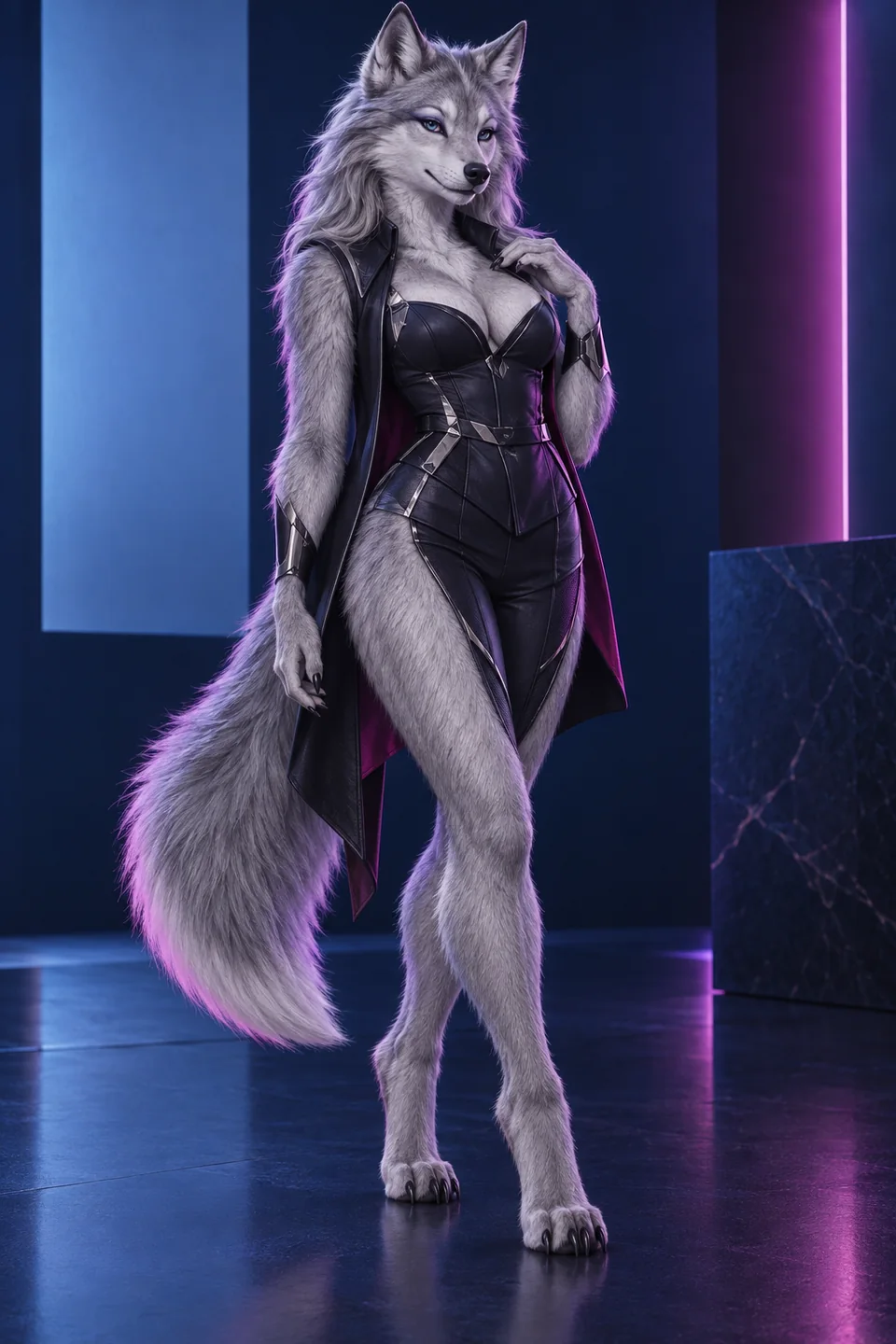
To make adult furry AI art safely, create a fictional adult identity first, choose one anthro body plan, generate a neutral reference, verify species anatomy, then add an allowed explicit scene in a second pass. Keep the identity block unchanged, vary one scene detail at a time, repair local flaws before upscaling, and never use an identifiable real person without informed consent.
Every character here is an AI-generated adult. No real people are depicted.
How to make ai furry porn in 8 steps
Build and verify the base
- Choose a permitted tool. Check its adult-content policy, privacy controls, deletion process, and whether generated media is public by default. A companion platform suits ongoing chat; a technical generator suits model and repair control.
- Define an unmistakable adult. Write “adult” plus a mature age cue, species, body plan, build, and non-youthful setting. Do not use cub, pup-as-age, school, minor, teen, or childlike framing.
- Lock the species block. Name anthro biped, feral, or kemonomimi; then specify muzzle, ears, paws, legs, tail, coat, markings, eyes, and mane. Do not mix body plans.
- Generate a neutral reference. Use a standing or seated three-quarter portrait with simple light and clothing. Confirm the face, paws, tail, markings, and adult proportions before continuing.
Save, repair, and finish
- Save the identity. Record the prompt, seed, reference image, aspect ratio, model, and negative prompt. This becomes the master, not the most explicit image.
- Add one adult scene. Keep identity text fixed. Add pose, environment, camera, light, and explicit action only where the platform permits it. Change one major variable per batch.
- Repair locally. Inpaint a broken paw, muzzle, tail, eye, or garment rather than rerolling a good composition. Reject age-ambiguous output outright.
- Finish and store privately. Upscale after anatomy is approved, remove metadata if needed, and keep private outputs in a controlled folder. Do not publish without checking the platform and destination rules.
Choose a species direction
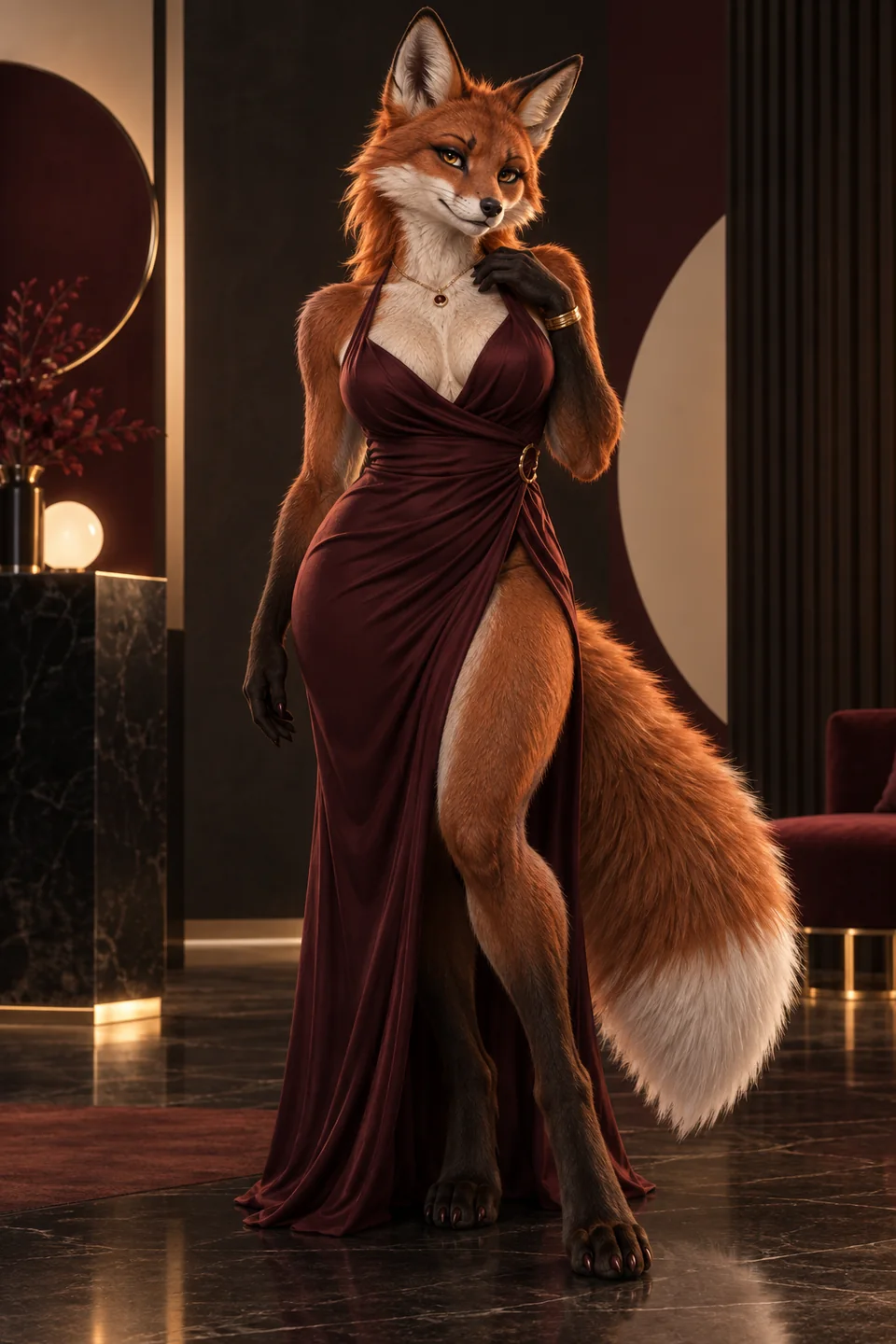
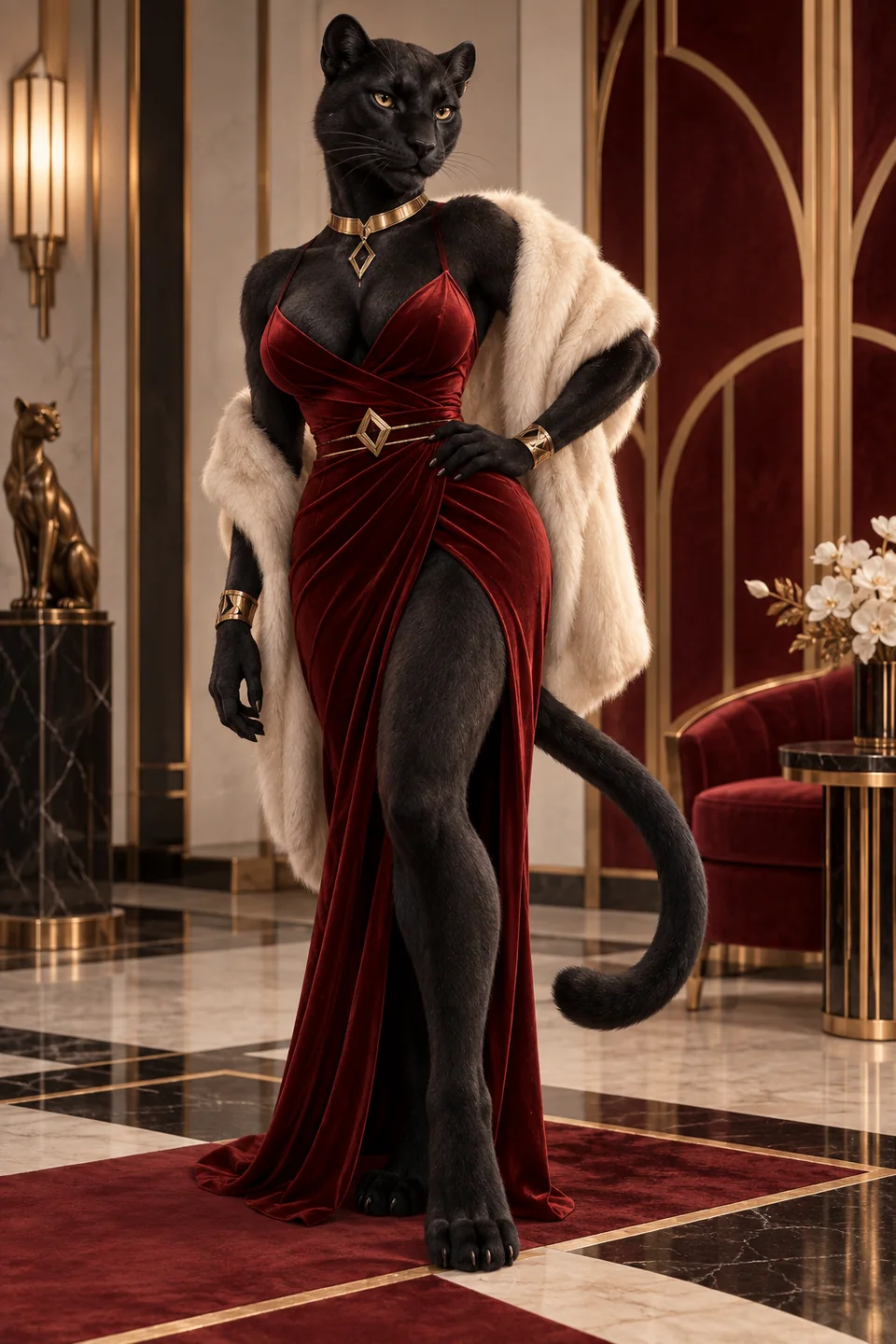
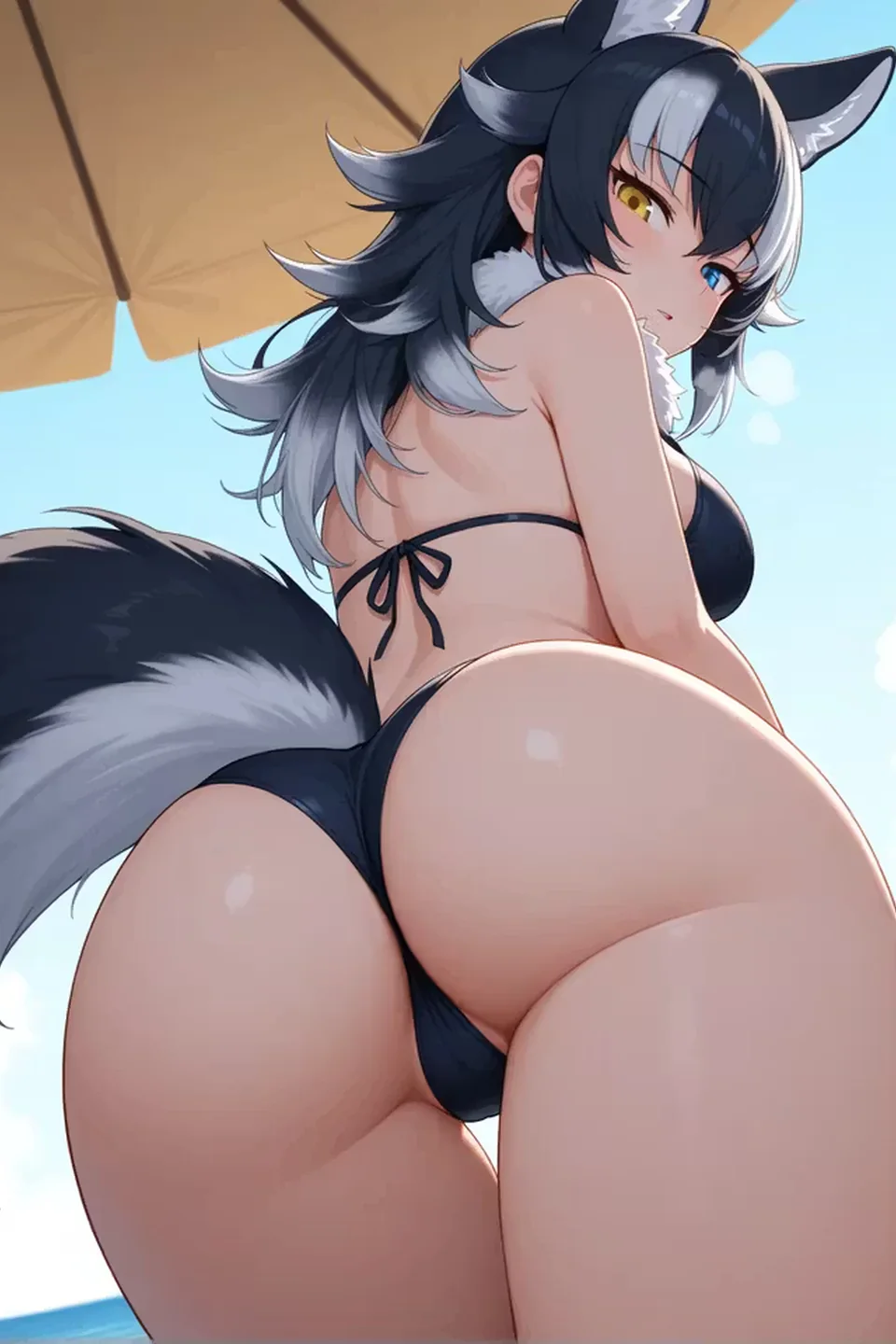
Adult furry character gallery
Full-anthro references—not humans with decorative ears. Compare the muzzle, paws, fur, tail, silhouette, and species markings before you generate or chat.


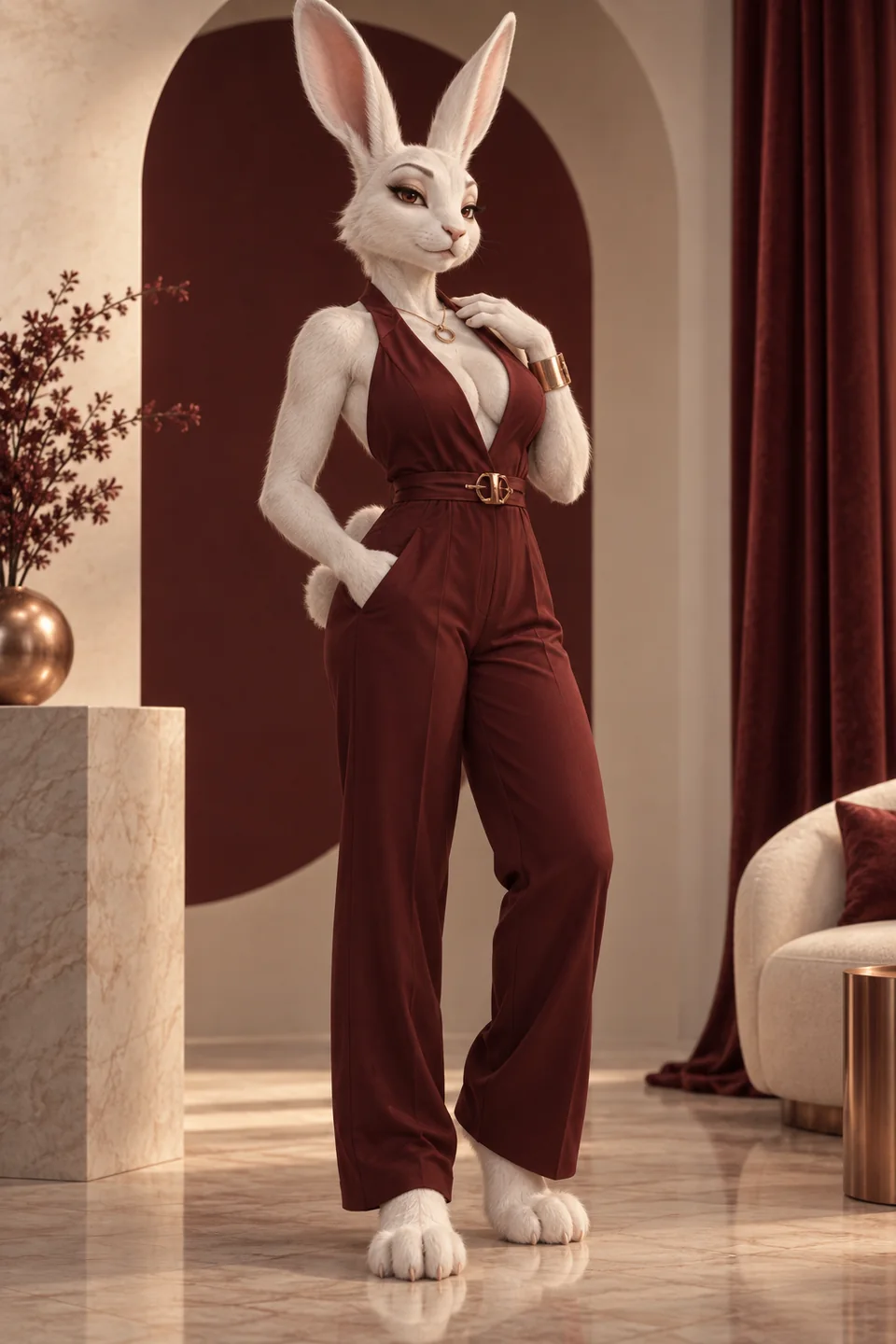
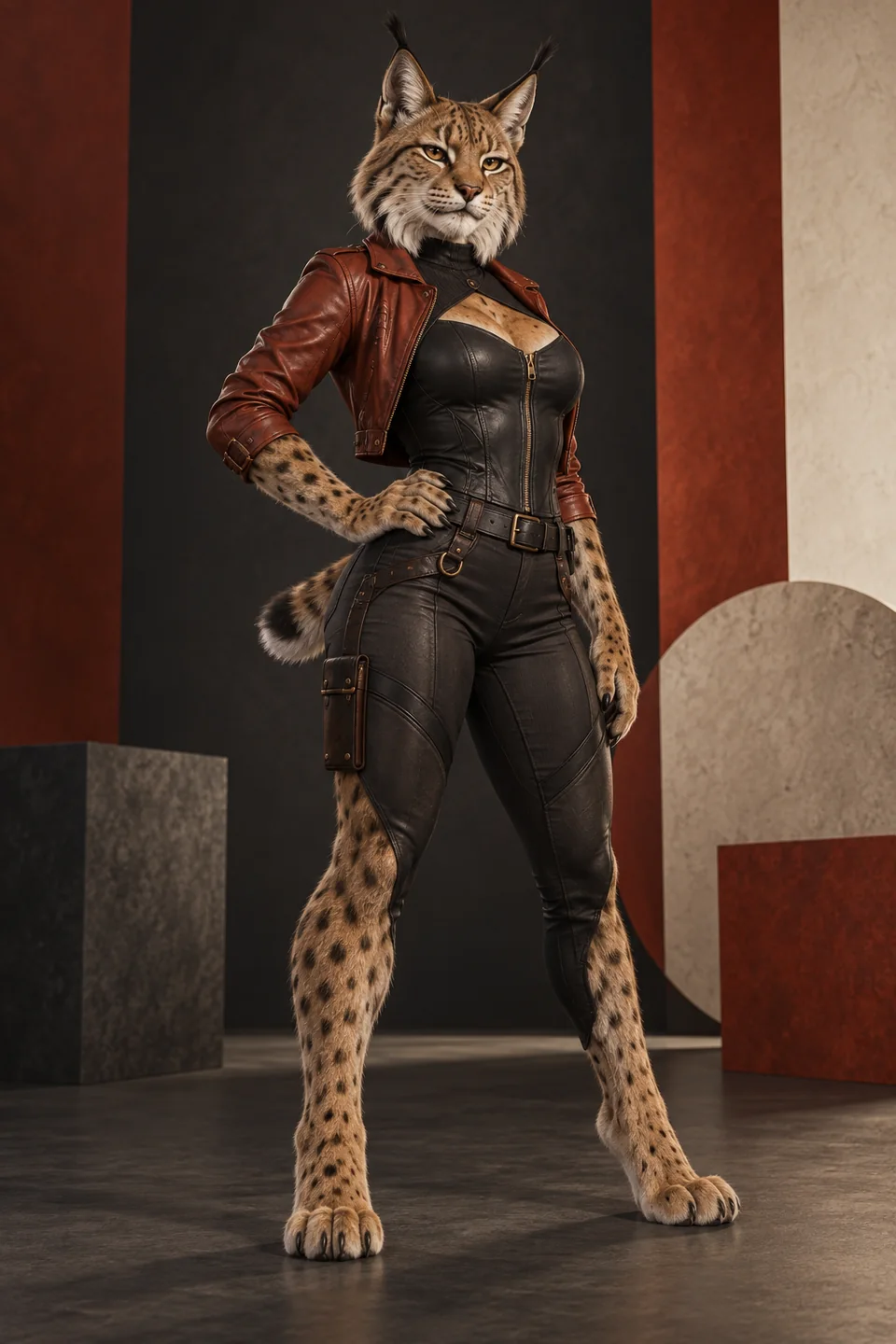
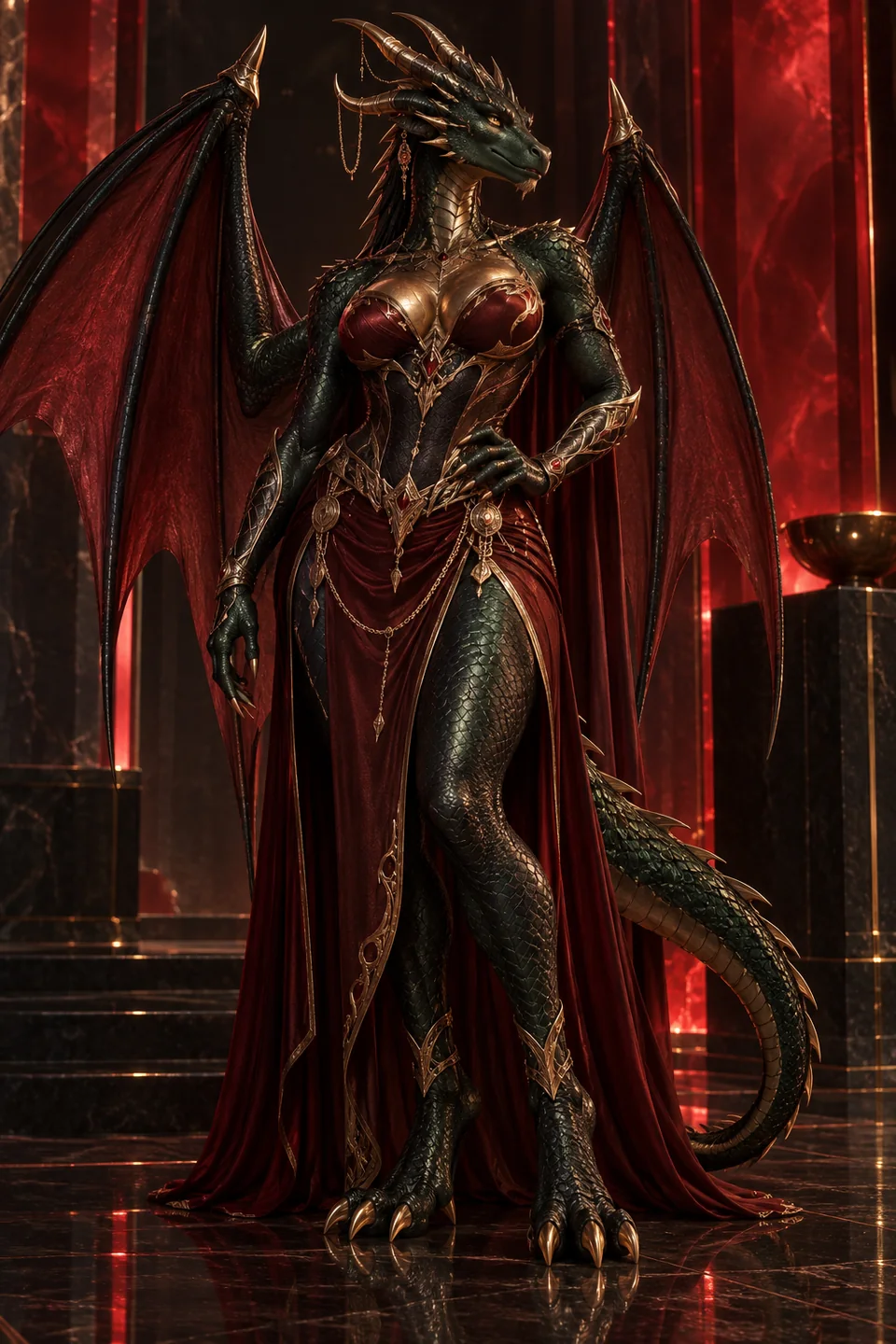
Choose a furry AI generator workflow
Companion tools such as LoveScape or CandyAI combine character profiles, conversation, and media. They are useful when personality continuity matters. Local or technical generators expose more model controls and may support LoRA, seeds, inpainting, and batch queues. They demand more setup and stronger responsibility for storage.
Start with our furry AI generator comparison if you prefer a hosted companion. LoveScape is our first choice for a connected workflow; CandyAI is easier to price. Neither publicly proves a dedicated furry model, so the neutral-reference test remains essential.
Create ai furry porn with a stable identity
A stable identity block is short enough to reuse and specific enough to notice drift. Example structure: “adult anthro red fox woman, clearly mature, athletic build, dark auburn coat, cream muzzle and chest, green eyes, black ear tips, white tail tip, digitigrade legs, four-fingered paws.” Add one recurring accessory if it helps recognition.
Do not add the bedroom, pose, camera, or action to that block. Those belong to the scene. When a result fails, compare it with the identity sentence. If markings disappear, reinforce markings. If paws become hands, strengthen paw anatomy. Change only the failing concept before generating again.
Use a short negative prompt
A practical negative prompt blocks the failures that would make an output unusable: “minor, child, teen, cub, babyfur, age-ambiguous, real person, celebrity, human hands, human feet, extra limbs, duplicate tail, broken muzzle, asymmetrical eyes, text, logo, watermark, blur.” Add style-specific failures only after you see them.
Huge negative lists can compete with the main description and make diagnosis harder. Keep a base safety and anatomy list, then add one failure from the previous batch. The aim is controlled learning, not a catalogue of every possible defect.
Repair an ai generated furry porn scene
First decide whether the base composition is worth saving. If identity, pose, and camera are wrong, rerun the scene. If one paw or tail is wrong, mask only that area and inpaint it with the identity block plus a local instruction. Keep denoise low enough to protect nearby markings.
Faces and muzzles deserve a separate pass because a tiny change alters identity. Repair eyes before upscaling. For two characters, work from individual references and state their positions clearly; trait bleed is common when species, colors, and limbs overlap.
Animate the approved furry character
Image-to-video is the safest starting point because the first frame already contains the approved adult identity. Ask for one motion and one camera behavior, such as breathing with a slow push-in. Short clips reduce face and tail drift. Review every frame before publishing; a safe first frame does not guarantee safe motion.
If the service provides first-and-last-frame control, use two frames that preserve the same markings and proportions. Avoid a dramatic wardrobe change, fast spin, and complex explicit action in the same clip. Build motion in small segments and keep the original still available.
How-to FAQ
How long should the first prompt be?
Use one identity sentence and one scene sentence. Add camera and light only when they matter. A compact prompt is easier to debug than a paragraph of competing style words.
What if the character looks too young?
Reject the output. Strengthen mature facial and body cues, remove school or child-coded styling, and regenerate from the neutral reference. Never try to “age up” an ambiguous explicit image.
How many images should I generate at once?
Use a small batch of two to four. Pick the best identity, record why it works, and change one variable. Large blind batches spend more without improving control.
Can I make the same character again?
Reuse the identity block, master reference, seed, model, aspect ratio, and negative prompt. A trained LoRA can improve consistency where supported, but a clean reference remains the foundation.
Start with one adult reference
The fastest reliable route is also the least dramatic: create one neutral, clearly adult anthro reference and make it repeatable. When the identity survives a new pose and setting, move into the allowed explicit scene. If you want a hosted companion workflow, begin with the top-ranked service and keep the master prompt outside the platform.
Start creating